What should I check on a Christmas card proof before ordering?
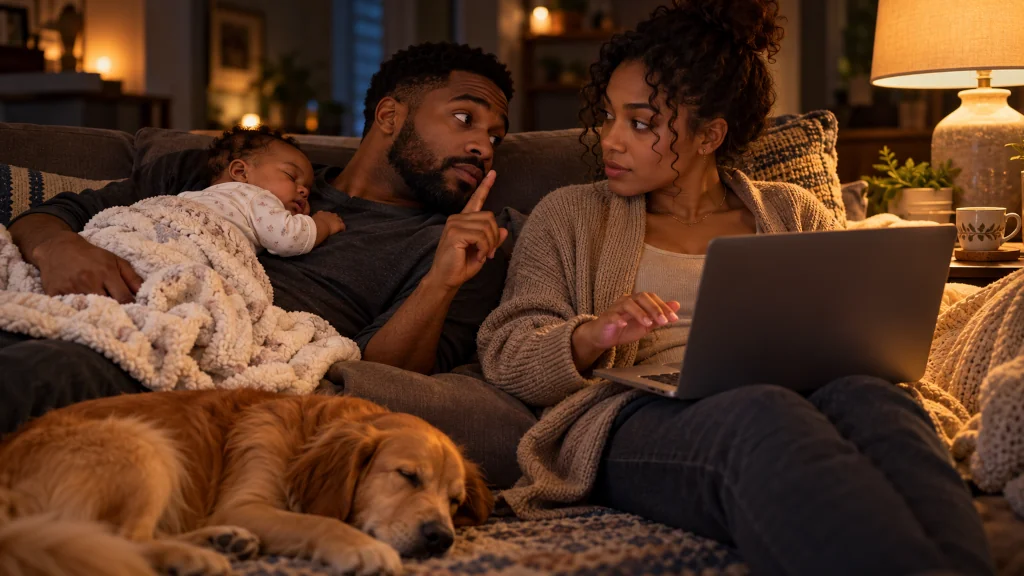
It is eleven at night.
The baby has finally fallen asleep on your husband’s chest, and the dog is snoring on the rug.
The card is done. Your cursor is over the order button.
Your husband leans over, careful not to wake the baby.
“Wait,” he whispers. “Where’s the dog’s head?”
You look again.
The greeting banner runs right across it.
A final check that goes beyond a quick look would have caught it. Two short passes, one up close and one at actual size, catch most of what a glance misses.
Near misses like that are behind a question many card senders ask: “How do you use a whole picture on a Christmas card? It’s only using half of our picture”
This article explores one part of the larger question: what to check on the proof before you order.
Key Takeaways
- A quick look at a proof often misses problems that a deliberate check would catch.
- An up-close pass finds missing people, covered faces, and anything too near the edges.
- An actual-size pass shows whether everyone is recognizable when the card is held.
- Any change to the photo, layout or wording means checking again from the start.
- Saving the proof you approve gives you a record if the printed cards differ.
Why a quick look misses things
By the time a card is finished, you have seen it dozens of times.
That familiarity works against you.
The eye fills in what it expects to see.
A missing ear, a banner across a face, or a name with one wrong letter can slide right past.
Pilots use a checklist before every flight, even ones they have made hundreds of times.
The point is not that they forget how to fly.
The point is that a list catches what memory skips.
A card proof is a much smaller thing, but the same idea helps.
Pass one: up close
Zoom in, and look at the card in pieces.
- Count the people. Then count the pets. Check the number against who should be there.
- Look at each face. Is anything covering it: lettering, a decoration, a border?
- Look at the edges. Is any face, hand, paw or name close to the edge or the guide lines?
- Read every word. Names, the greeting, the year, the return address.
- Check every panel. Front, back and inside, if the card has them.
Pass two: at actual size
Now look at the card the way someone will hold it.
- Set the preview to its real size, or print a test page at actual size.
- Hold it at a normal reading distance.
- Find each person, one at a time.
If you have to search for anyone, the faces may be too small, or the photo may be too soft.
A home print is good for judging size and arrangement.
It will not show you the printer’s colors, paper or exact cut. Those can differ.
After any change, start over
Fixing one thing can quietly break another.
Moving the photo to bring someone back can push someone else toward the edge.
Changing the greeting can make a banner longer.
Switching to a different photo resets everything.
After any change, run both passes again.
Save what you approved
Before ordering, save a copy of the proof you are approving, or take a screenshot of each panel.
Keep the original photo file too.
If the cards arrive looking different from what you approved, that record makes the conversation with the printer much clearer. A later article in this series covers that situation.
Practical Takeaways
A short checklist for the final proof:
- Count every person and pet.
- Check every face for anything covering it.
- Check that no face, name or paw is near the edges or guide lines.
- Read every word aloud, especially names.
- Check every panel: front, back and inside.
- Look at the card at actual size and find each person.
- If you changed anything, start the list again.
- Save the approved proof before you click order.
A second person going through the same list often catches what the first one missed.
Conclusion
This article does not cover every reason a card can go wrong.
It answers one part of the question: how to make sure the whole picture you fixed is the whole picture that gets printed.
The rest of the series looks at what to do if delivered cards are wrong anyway, and how to plan next year’s photo with the card in mind.
Looking at the proof is not the same as checking it.
Count the faces before you click.
FAQ
What should I look for on a Christmas card proof?
Count every person and pet, check that nothing covers a face, check the edges and guide lines, read every word, and check every panel.
Why should I look at the proof at actual size?
A large screen makes small faces look clear. At actual size you can see whether everyone will be recognizable on the printed card.
Do I need to check the proof again after a small change?
Yes. Moving the photo or changing text can affect other parts of the card.
Will a home print show exactly how my card will look?
No. It helps judge size and layout, but the printer’s colors, paper and cut can differ.
This Article Is Part Of A Larger Series
Question: How do you use a whole picture on a Christmas card? It’s only using half of our picture
Current article: Article 10 of 13 – Advanced concept
This article explores one evidence-supported aspect of the larger question.
Readers interested in the full answer should explore the complete series.