Fit or fill on a Christmas card: which keeps the whole photo?

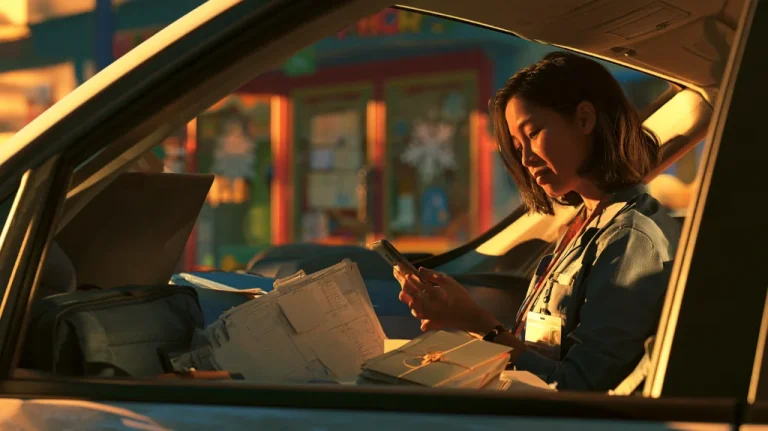
You are in the car on your lunch break, card editor open on your phone.
The photo is the three of you on the porch: you, your six-year-old, and your father in his good jacket.
You drag the photo left, and your father comes back into the window.
Your daughter slides out the other side.
You drag it right, and it happens in reverse.
Fit keeps the whole photo. Fill does not. And moving the photo around only changes who is hidden.
That tug-of-war sits behind a question many card senders ask: “How do you use a whole picture on a Christmas card? It’s only using half of our picture”
This article explores one part of the larger question: what the card’s layout choices actually do to your picture.
Key Takeaways
- Fit shows the whole photo inside the window and may leave empty space around it.
- Fill covers the whole window and may hide the edges of the photo.
- Moving the photo does not show more of it. It only changes which part is hidden.
- Stretching a photo to fill a window distorts faces, so it is not a real option.
- If no position keeps everyone in view, the window itself has to change.
Four things a card can do with your photo
When a photo and a card window are different shapes, there are only a few possibilities.
Fit
The whole photo shrinks until it fits inside the window.
Nothing is cut off.
The trade is some empty space, usually above and below or on the sides.
Fill
The photo grows until it covers the whole window.
There is no empty space.
The trade is that the edges of the photo fall outside the window and are hidden.
Move
With fill, you can usually slide the photo around.
That chooses which edges are hidden.
It does not reduce how much is hidden.
Stretch
The photo is pulled wider or taller until it covers the window.
Nothing is hidden, but people look wider or thinner than they are.
For a family card, that is rarely acceptable.
Why dragging moves the problem
Think of laying a long rectangular tablecloth on a square table.
You can center it, and both ends hang off.
You can slide it, and one end hangs off further while the other side shows bare table.
What you cannot do is make the cloth fit by sliding it.
A photo in a different-shaped window behaves the same way.
When dragging brings one person back and pushes another out, the window is telling you something.
At this size, it cannot hold everyone.
Moving the photo is not the same as fitting it.
Using the space fit leaves
Many people avoid fit because of the empty space it leaves.
That space does not have to look like a mistake.
A plain border, a solid color, or an area for the greeting can turn that space into part of the design.
Some card designs are built with a framed photo for exactly this reason.
Not every editor calls these options by the same name, and not every design offers them. Some sites call it fit, some call it zooming out, and some call it a full-photo or border option.
When none of the four work
Sometimes fit makes everyone too small, and fill always cuts someone.
That is the point to stop adjusting the photo and change the window.
A different design, a wider photo opening, a different card orientation, or a layout with a second panel may hold everyone.
Later articles in this series look at choosing a window that matches your photo and at tall photos in particular.
Practical Takeaways
- Look for an option that shows the whole photo, whatever your editor calls it.
- If you have zoomed out as far as the editor allows and someone is still cut off, the window is too small or the wrong shape.
- Decide whether a border is acceptable. If it is, fit is usually the easiest way to keep everyone.
- Avoid any option that stretches the photo.
- If dragging is a tug-of-war, change the design rather than the position.
Conclusion
This article does not cover every way a card can lose part of a photo.
It answers one part of the question: what the layout choices do, and which one keeps the whole picture.
The rest of the series looks at why shapes differ, how to handle tall photos, and how to choose a card that fits.
You can move a photo all day.
If the frame cannot hold everyone, change the frame.
FAQ
What is the difference between fit and fill on a photo card?
Fit shows the whole photo inside the window, sometimes with empty space around it. Fill covers the window completely and may hide the edges of the photo.
Why does someone get cut off every time I move the photo?
The photo and the window are different shapes. At that size, moving the photo changes which part is hidden but does not reduce how much.
Is it okay to stretch a photo to fit the card?
Stretching changes how people look, making them appear wider or thinner. Most families find that worse than a border.
My editor has no fit option. What can I do?
Try zooming out as far as the editor allows. If that still cuts someone, choose a design with a different photo window.
This Article Is Part Of A Larger Series
Question: How do you use a whole picture on a Christmas card? It’s only using half of our picture
Current article: Article 2 of 13 – Early series
This article explores one evidence-supported aspect of the larger question.
Readers interested in the full answer should explore the complete series.